Uninstallation
If you want to install the full version or a newer version, you do not need to uninstall the trial or older version. The trial or old version is overwritten when installing the full or newer version To nevertheless uninstall Edge & Frame Galaxy go to Start > Control Panel > Uninstall a program (Windows 7) or right click the Start button, (select Control Panel) and click on "Apps/Programs and Features" (Windows 8 & 10). On the appearing dialog double click the appropriate items to uninstall it.
Installing
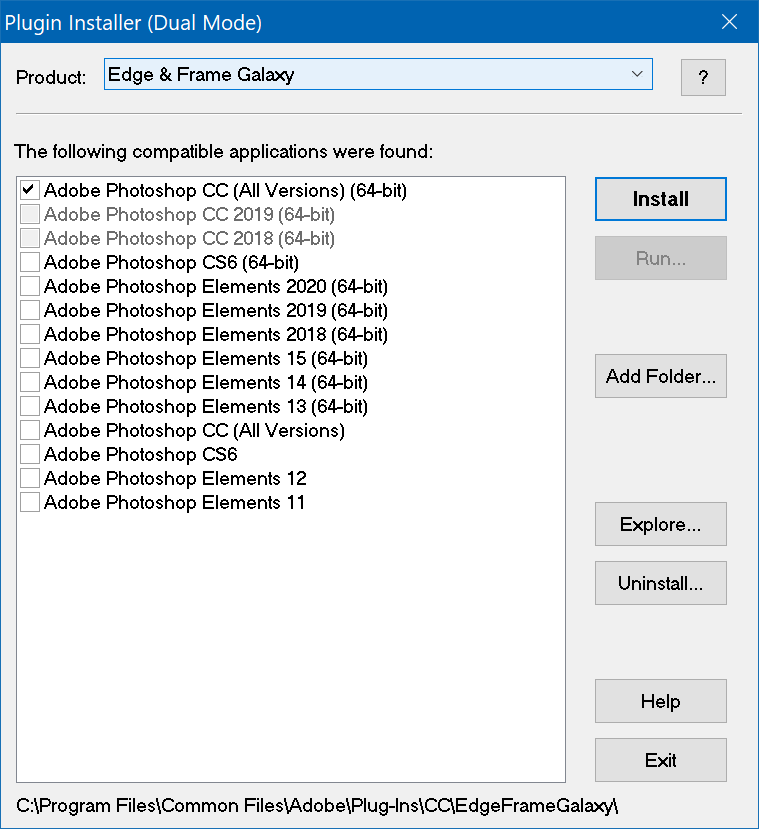
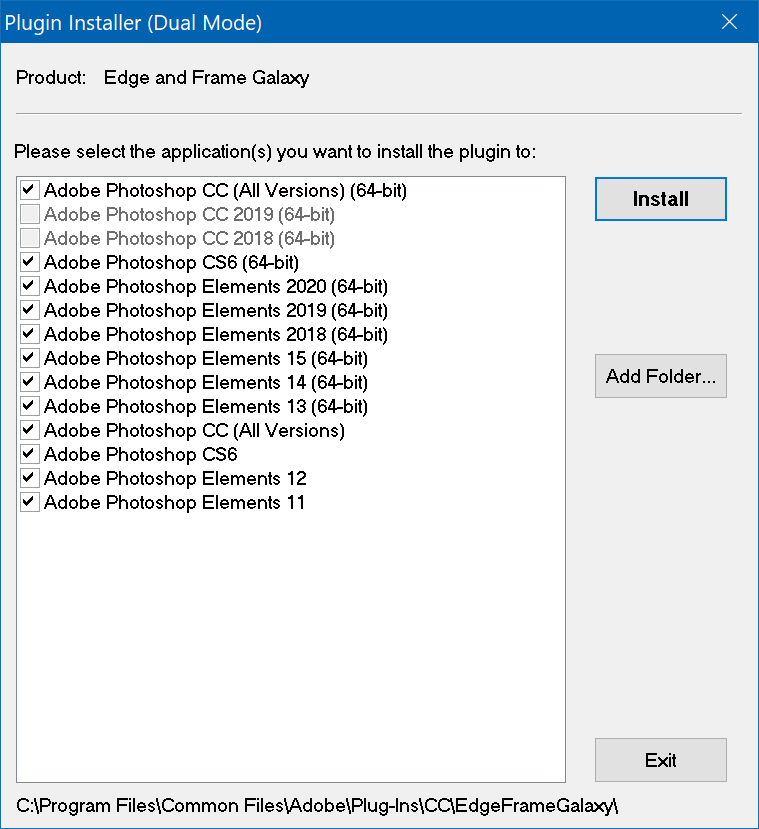
Double click the downloaded .exe files and follow the installation instructions. When Plugin Installer shows up, activate the check boxes of your preferred application(s) and press the Install button.
You can run Plugin Installer at any time from Start > (All Apps/Programs
>) The Plugin Site > (Edge & Frame Galaxy >) Plugin Installer (Edge & Frame Galaxy).
Then you have more options than during installation, e.g. an Uninstall button.
If you install a new version of Photoshop (Elements) and Edge & Frame Galaxy is already installed, you do not need to run the full Edge & Frame Galaxy installation again. You can run Plugin Installer from the Start menu and use it to install Edge & Frame Galaxy into the newly installed version of Photoshop Elements.