
The Presets tab sheets lets you save and delete
presets of the current Camera Raw settings. So if you want to apply Camera Raw
settings to multiple images, you should save them as presets.
Presets are
stored in a special folder of Camera Raw.
To add a preset click on the document icon in the top left corner of the tab sheet. You will then see a small window for entering the name:
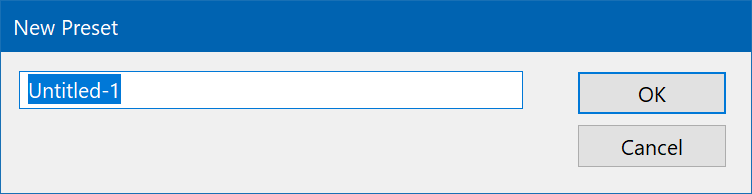
Click the OK button to save the preset. You will then see it in the presets list. To apply it to the current image simply click on it in the list.
To delete an existing preset, select it on the list and click the trash can icon in the top left corner.